A restaurant website that takes orders
Customers browse the menu, fill a cart and order for pickup or delivery. You see every order come in and move it from "new" to "ready". Prices are checked on the server, so nobody can tamper with the total.
What you get
- Menu with categories, photos and prices
- Cart and checkout with pickup or delivery
- Order history and live status for customers
- Kitchen admin page: incoming orders, status changes
- E-mail to you for every new order
- Optional online card payment with Stripe
Live example
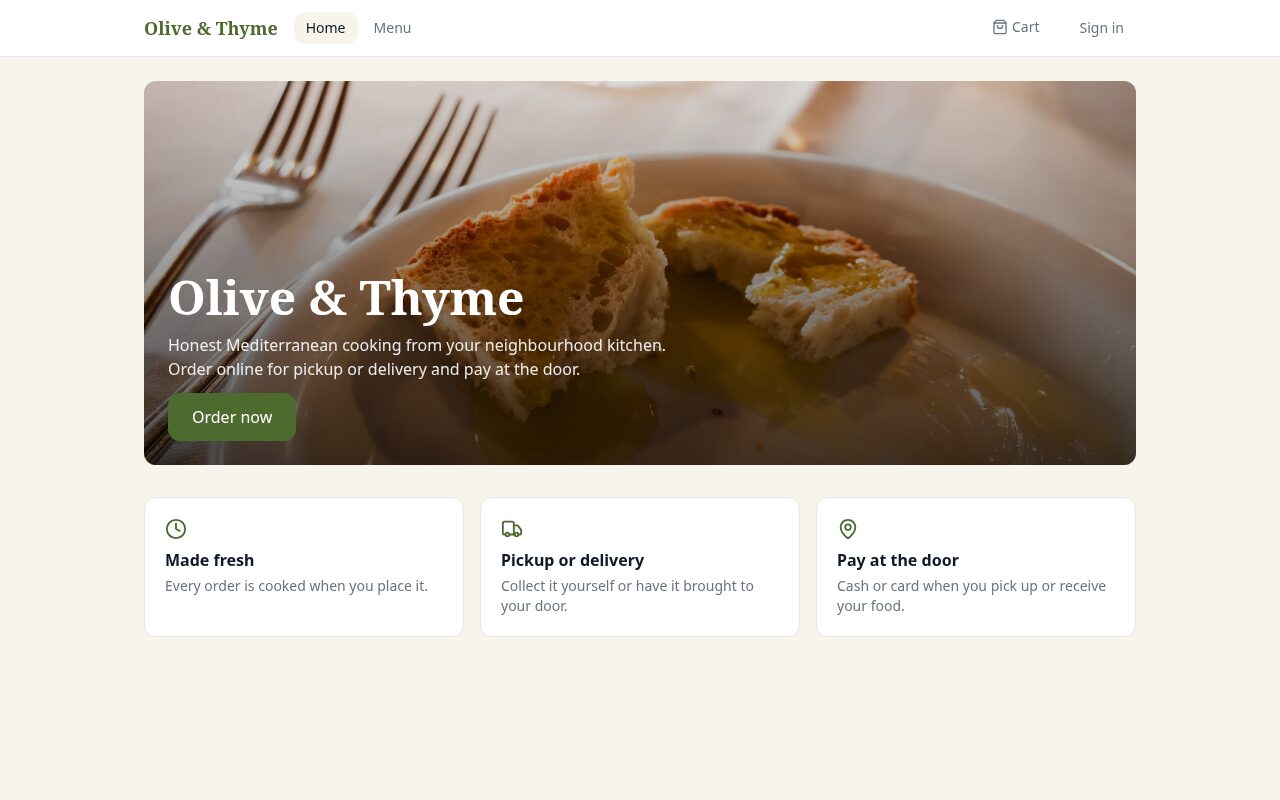
Restaurant with online orderingMenu, cart, pickup or delivery, order tracking and an admin page for the kitchen.
Open the site →
Open the site →
Start with this request
Build a website for my restaurant with online ordering. Menu with categories and photos, a cart, checkout with pickup or delivery, order tracking for customers and an admin page where I see incoming orders and change their status. Add 12 sample dishes with prices.
Opens the builder with this text in the box. Edit it before sending. Typically 2-5 minutes and 50-250 credits. The free plan's welcome credits cover a first version.
Questions
Can customers pay online?
Yes. Say "with online card payment" and Malpera connects Stripe for you; money goes directly to your Stripe account. You can also keep payment at the door.
Can I change the menu later?
Yes, from the admin page of your own site — no need to come back to Malpera for price or dish changes.
Does it work on phones?
Every site Malpera builds is responsive and tested in a real browser at phone width before you see it.
Related
Online storeProducts, cart and a real Stripe checkout.Small business websiteThe classic five pages done properly: home, services, about, contact and a form that actually works.Event ticketing websiteVisitors reserve or buy tickets, get a QR code that really scans, and your door staff check people in from a phone.
Start building today
Your first site is free. No card needed.
Start freeYour first site is free. No card needed.